Video Commenter
Point at the part of the video that needs changing, and say the fix.
Get it on the App Store · Free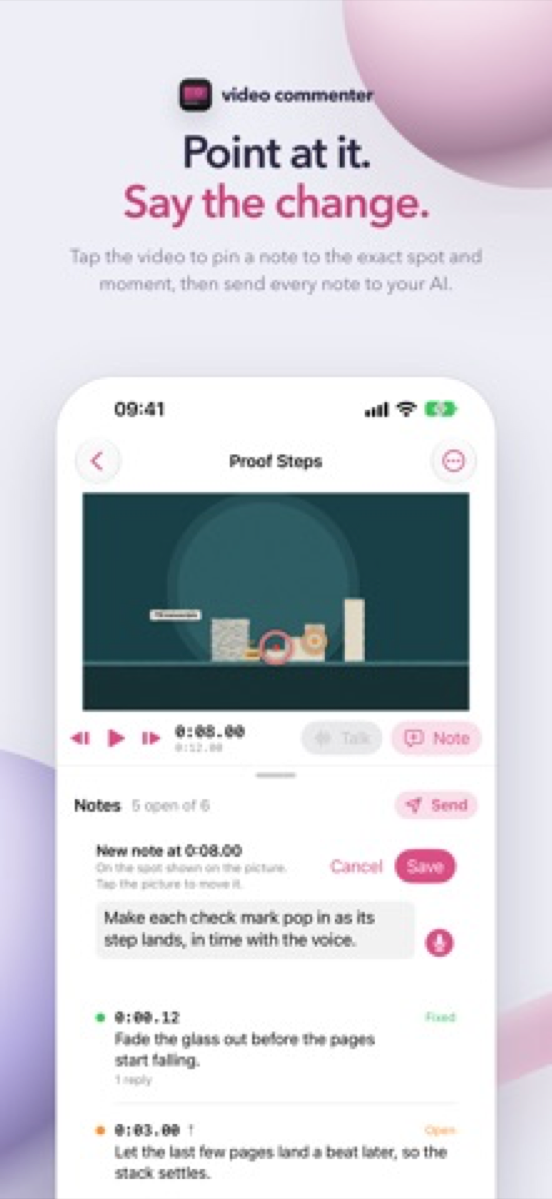
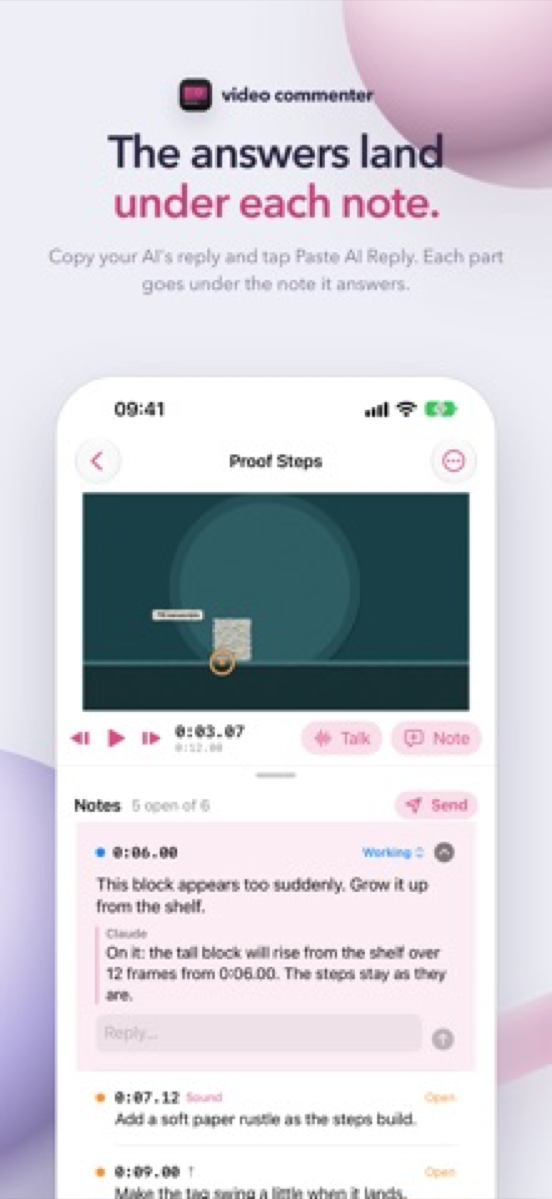
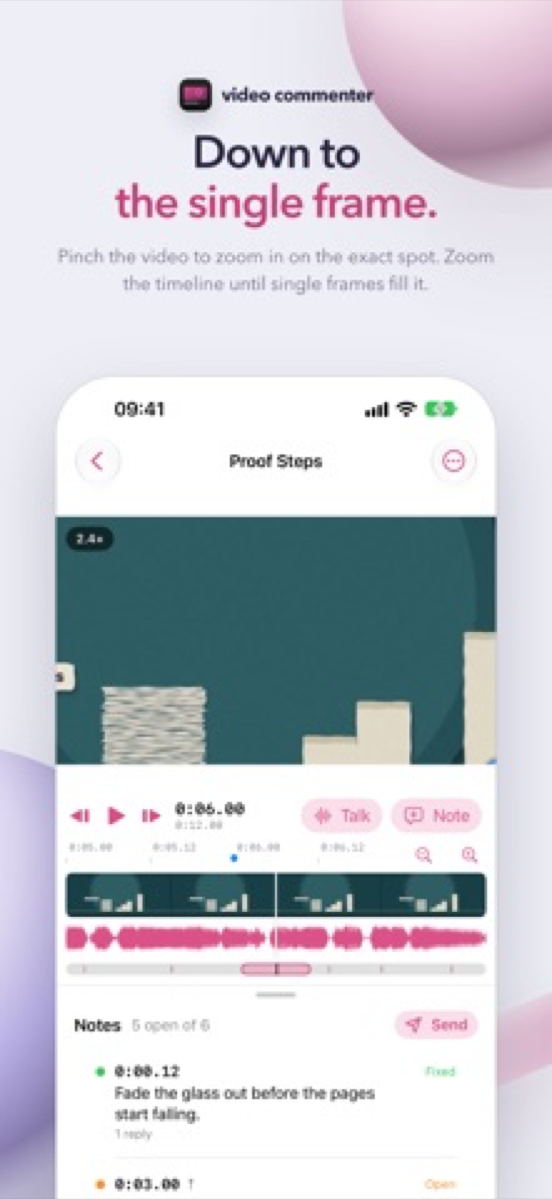
Point at the part of the video that needs changing and type the fix, or say it. Every note goes to your AI with its exact time and the spot you pointed at, so you never have to type "the bit near the start, top left" into a chat box again.
Notes pinned to the frame
- Click or tap the video and the note is pinned to that spot on that frame
- Add a note at a moment with no spot, or comment on the sound
- Zoom the timeline down to single frames
- Speak instead of typing and your device writes it down
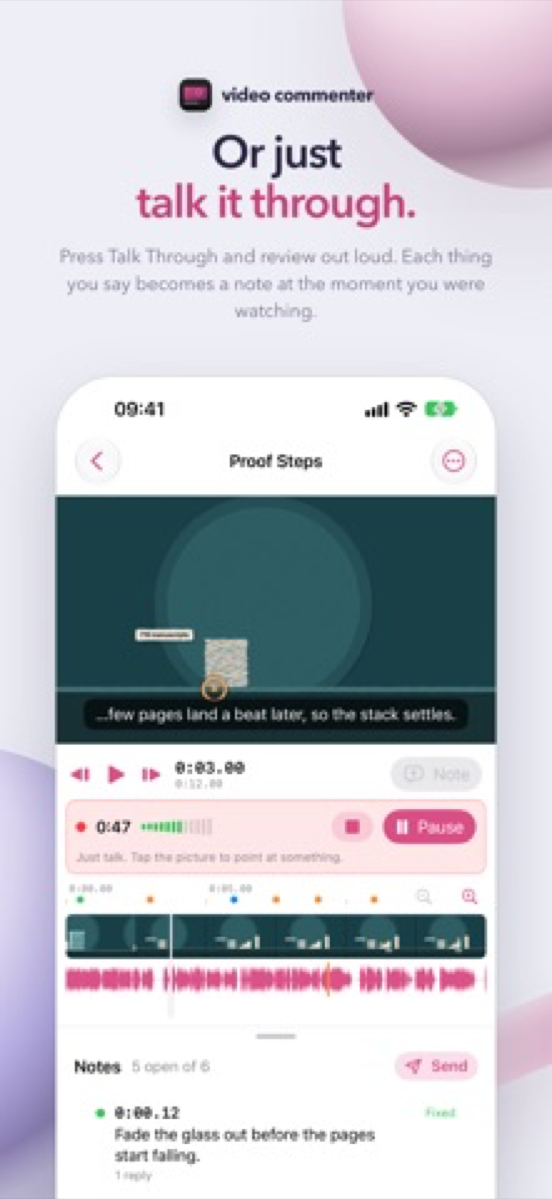
Talk Through
Press Talk Through and review out loud while you watch, scrub and pause. Point at the video to show what you mean, and each stretch of talking becomes its own note at the moment you were watching.
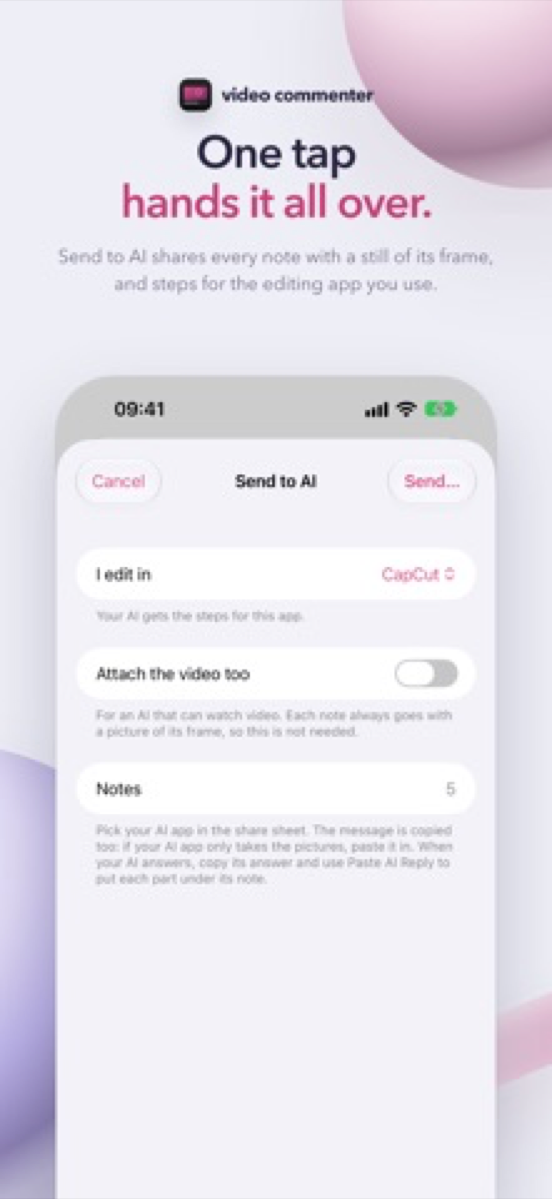
Hand it to your AI
Send every note, with a still of its frame, to the AI app you use, then paste the reply back and each part lands under its note. On the Mac, AI tools that work on your files can read the notes beside the video and answer right on each one. When the next cut comes back, the previous notes sit underneath so you can check every change.
Get Video Commenter
Free to download, with a free trial and then one purchase that unlocks it on Mac, iPhone, iPad and Apple Vision Pro. No subscription.
Get it on the App Store · Free